
Native
Built for iPhone, not wrapped in a browser. A Mac app is on the way.
Native Redmine client
Your Redmine, refined.
Log time, move work, and see your week from a native card — connected only to the Redmine you already run.
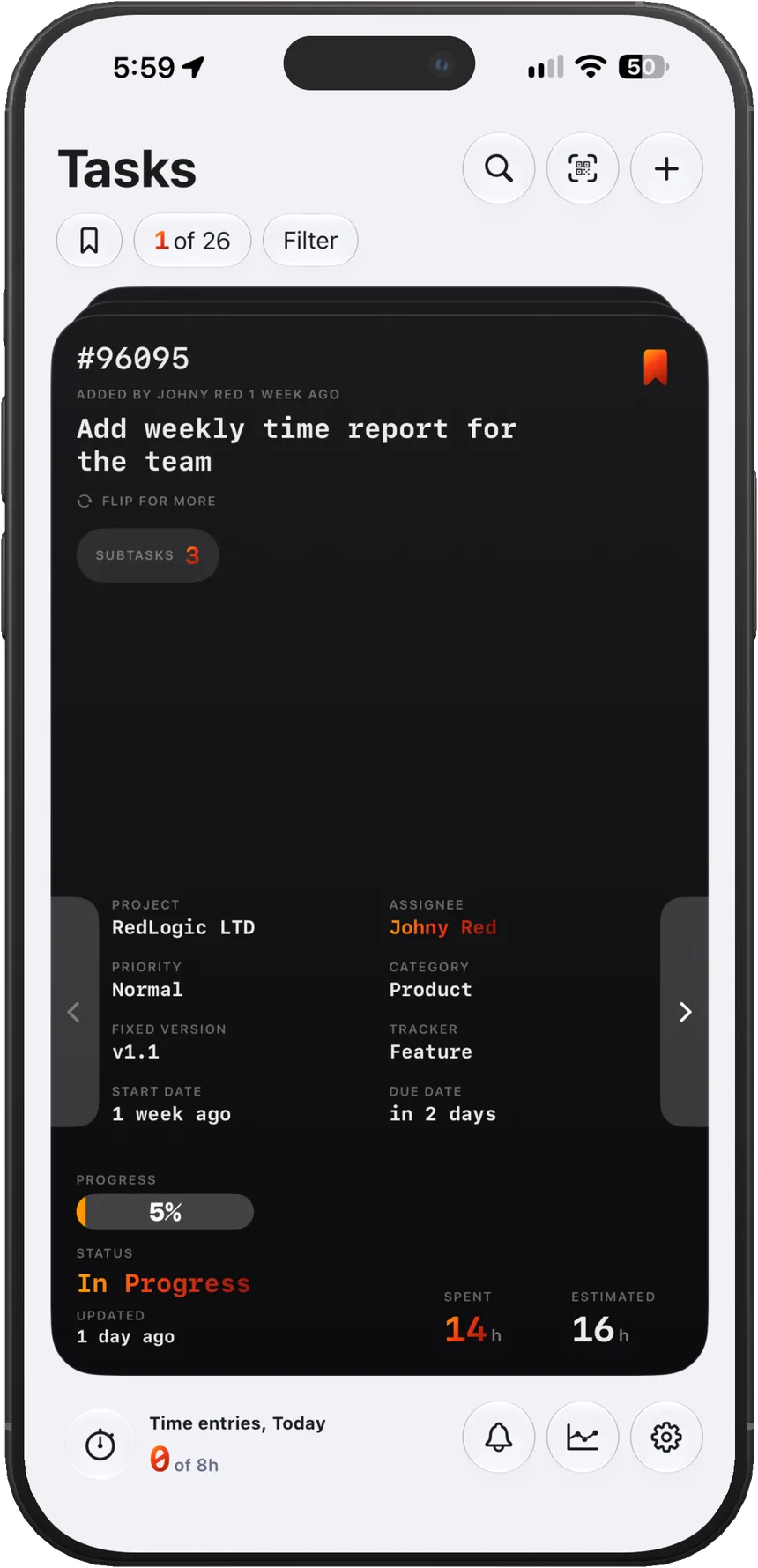
Native
Built for iPhone, not wrapped in a browser. A Mac app is on the way.
Private
Talks only to your Redmine. We never host or read your issues.
Fast
Status, hours, and fields live on the card. Fewer screens, less tapping.
Clear
Daily pace, a heatmap, and a planner that match how you actually log time.
Who it's for
Point Redmined at the Redmine your company already runs. Same projects, same permissions, same API token — no extra cloud in the middle.
A calmer way to work your own tracker. Cards, widgets, and a daily hours goal instead of the mobile website.
Platforms
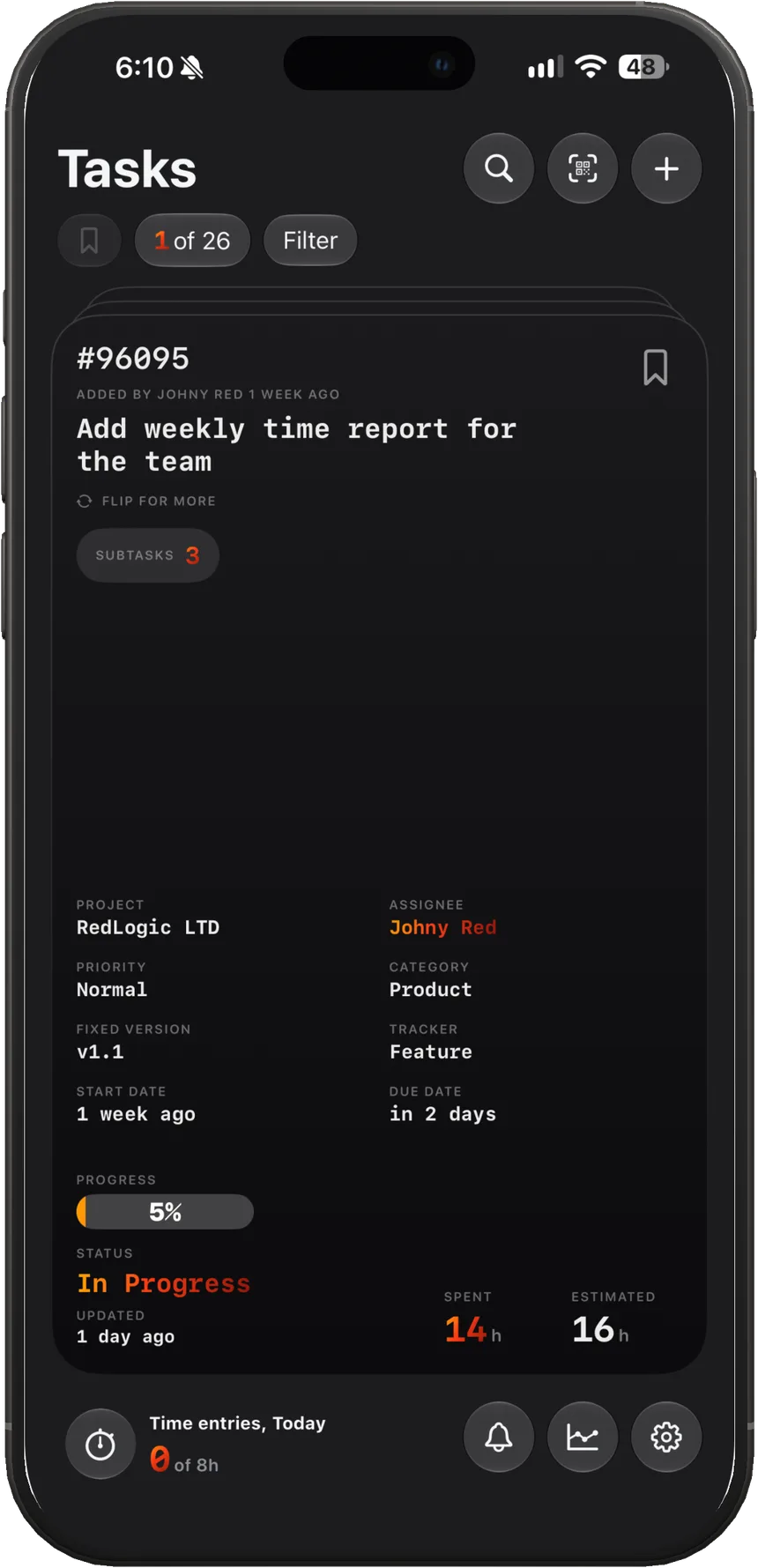
On the App Store
The full client: cards, time, planner, widgets, and notifications.
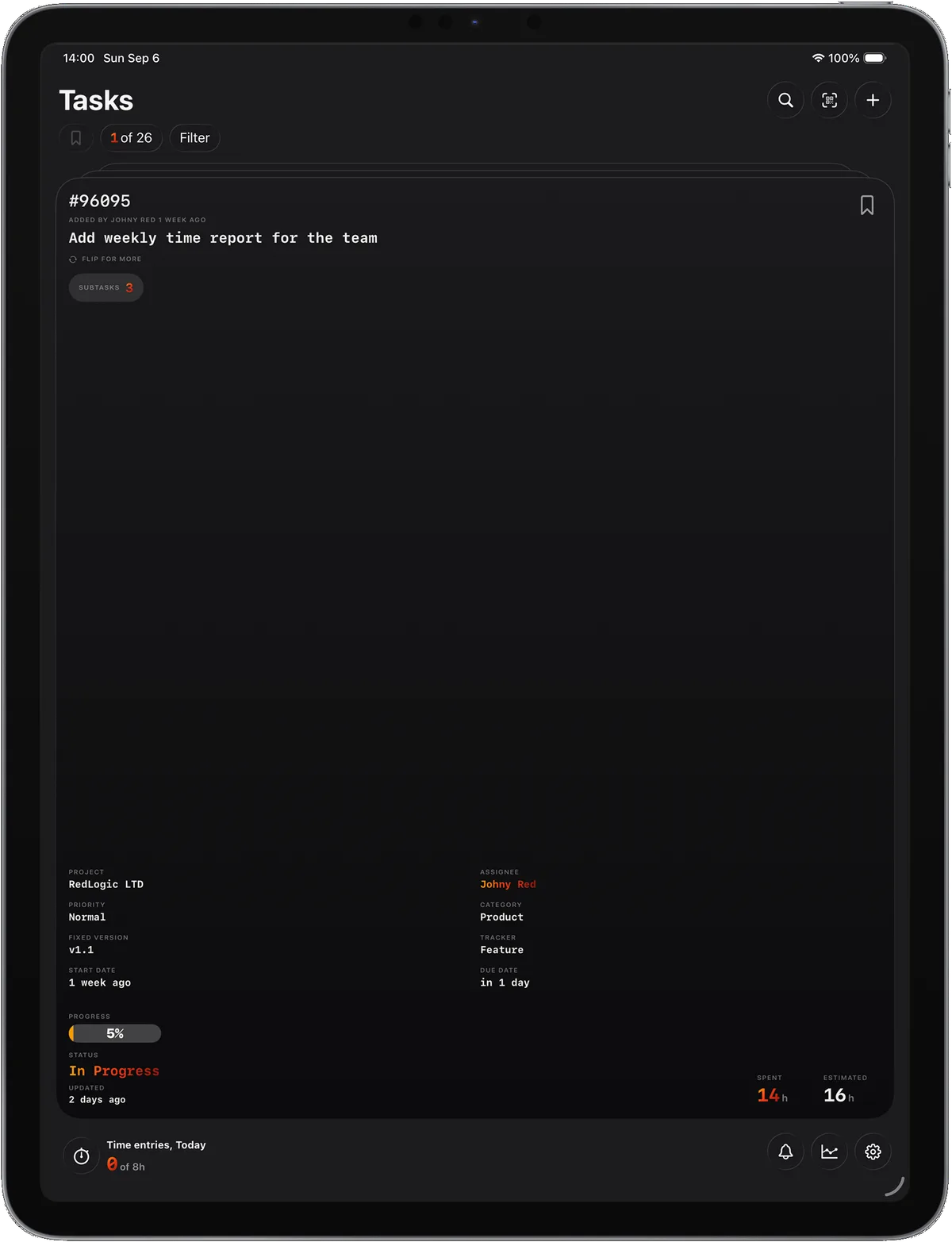
On the App Store
The same cards, time log, and analytics on a larger screen.
Mac
In development
The same Redmined on a larger screen. Not a separate product — the Mac app is being built now.
Inside the app
Redmined is a client, not a new tracker. It speaks your server's API and keeps the work on the device you have in your hand.
Sign in with a Redmine URL and an API token. Switching servers reloads credentials, cached task details, and all scoped data. Credentials are stored in the iOS Keychain; logging out removes saved servers and tokens.
The front shows the fields you actually use. Flip for description, files, QR, and comments. In Settings > Fields & Custom fields you pick what’s visible on Front/Back/Hidden, reorder it, and decide which fields are editable. Custom fields are fetched from your Redmine and can be toggled on/off.
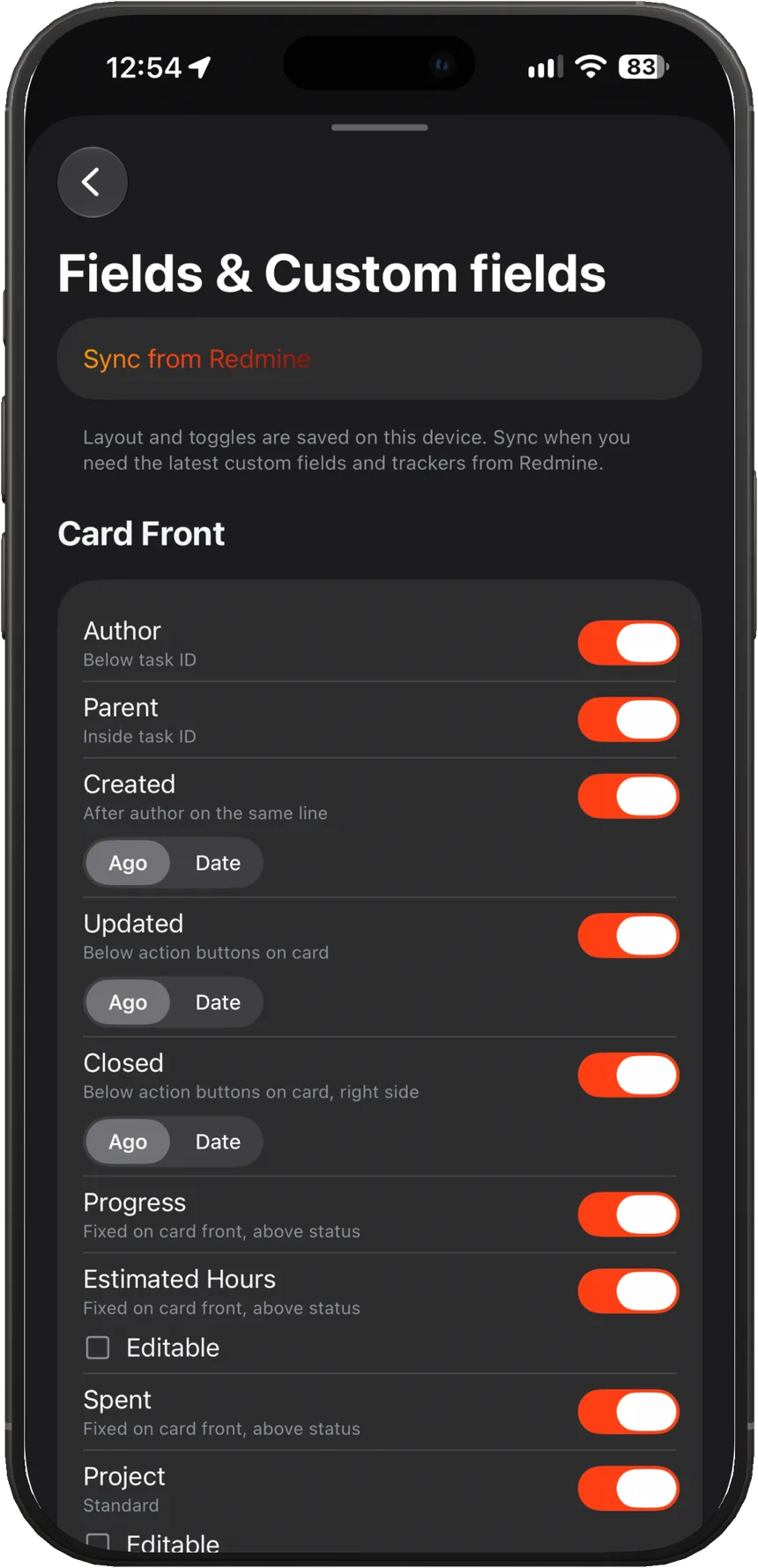
Status, progress, assignee, time, and custom fields each open their own sheet — many things to tap, none of them a new screen stack. Those actions are Pro. The same Settings area holds card fields, comment presets, and how you work.
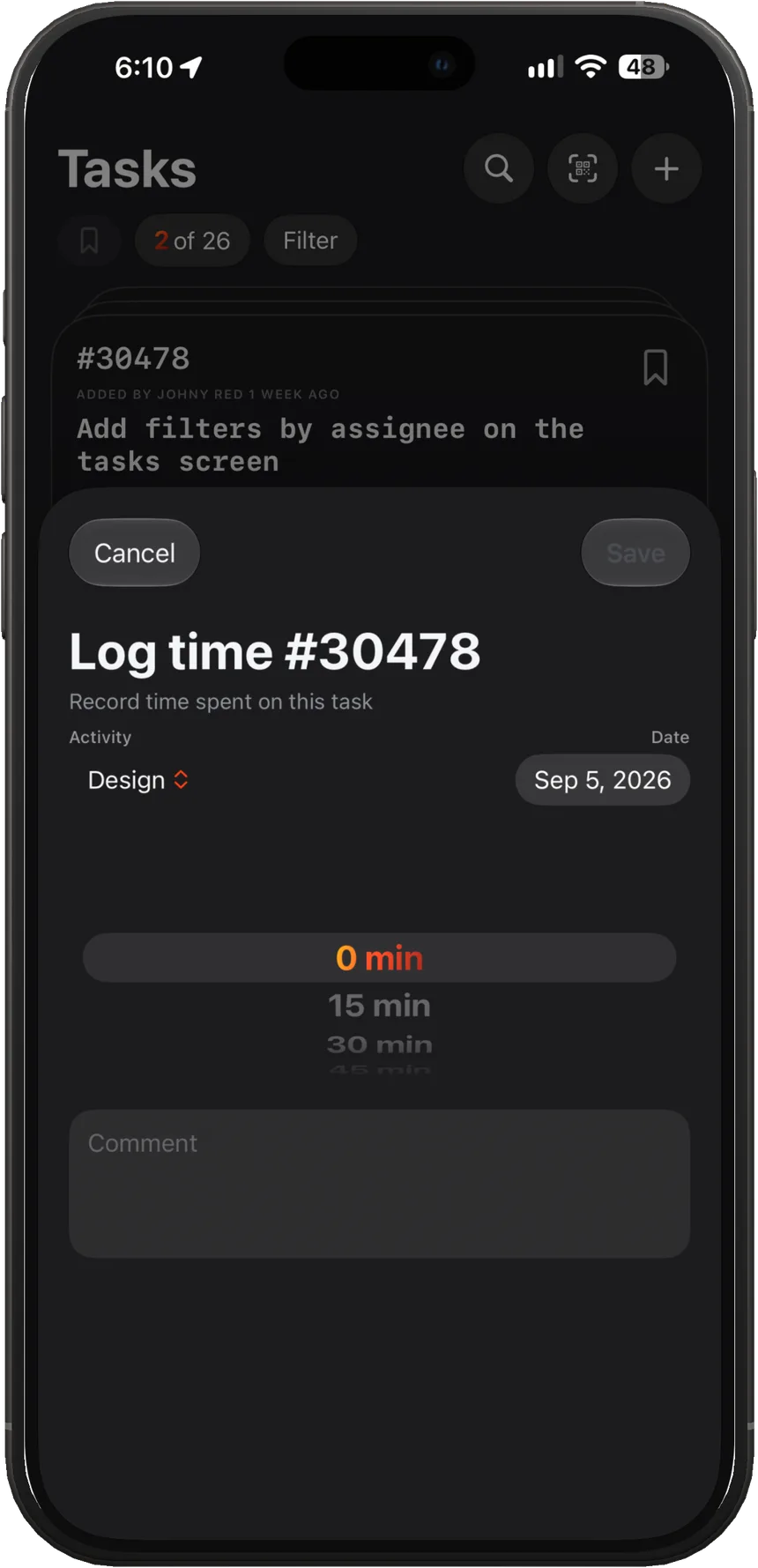
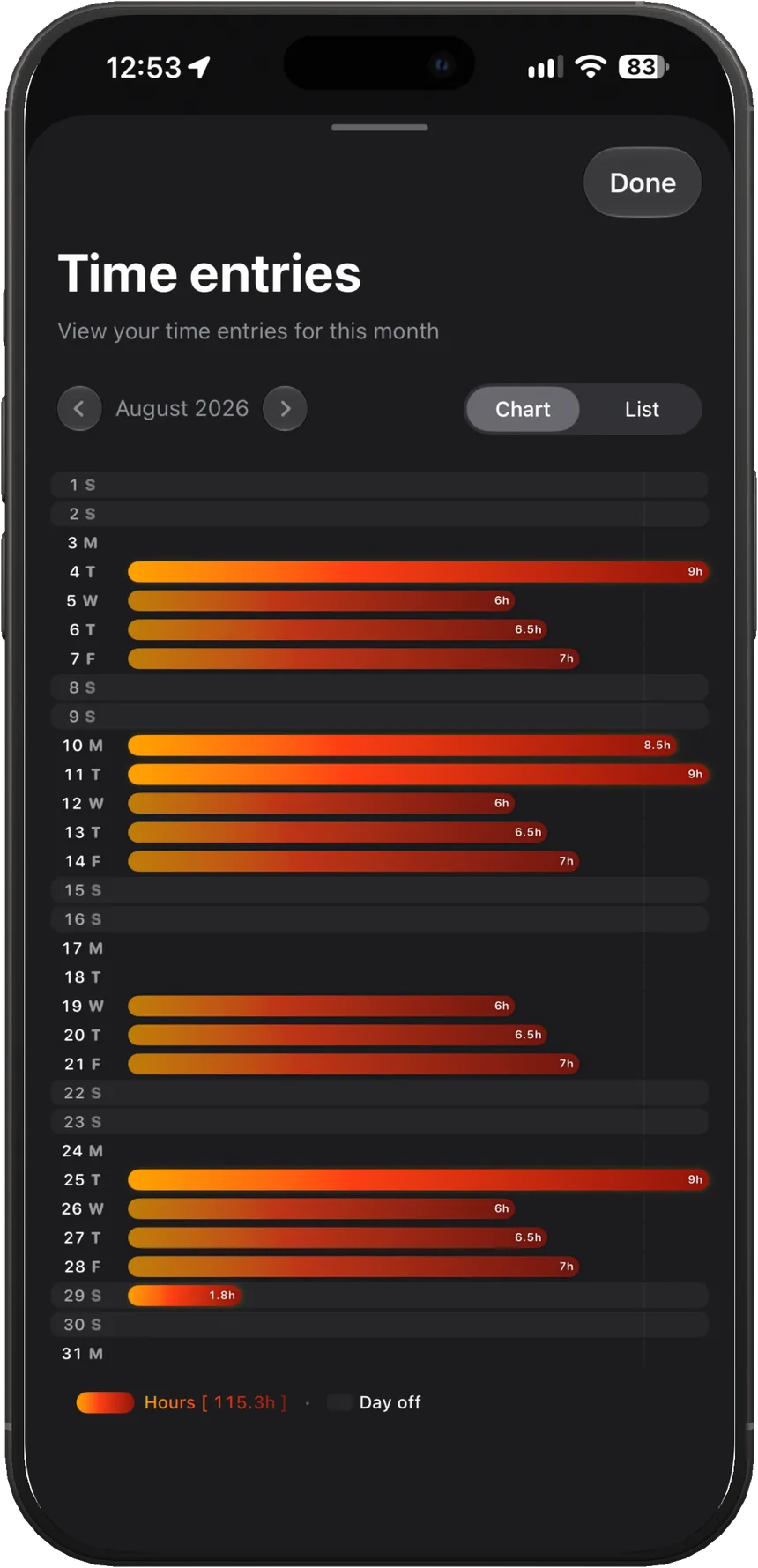
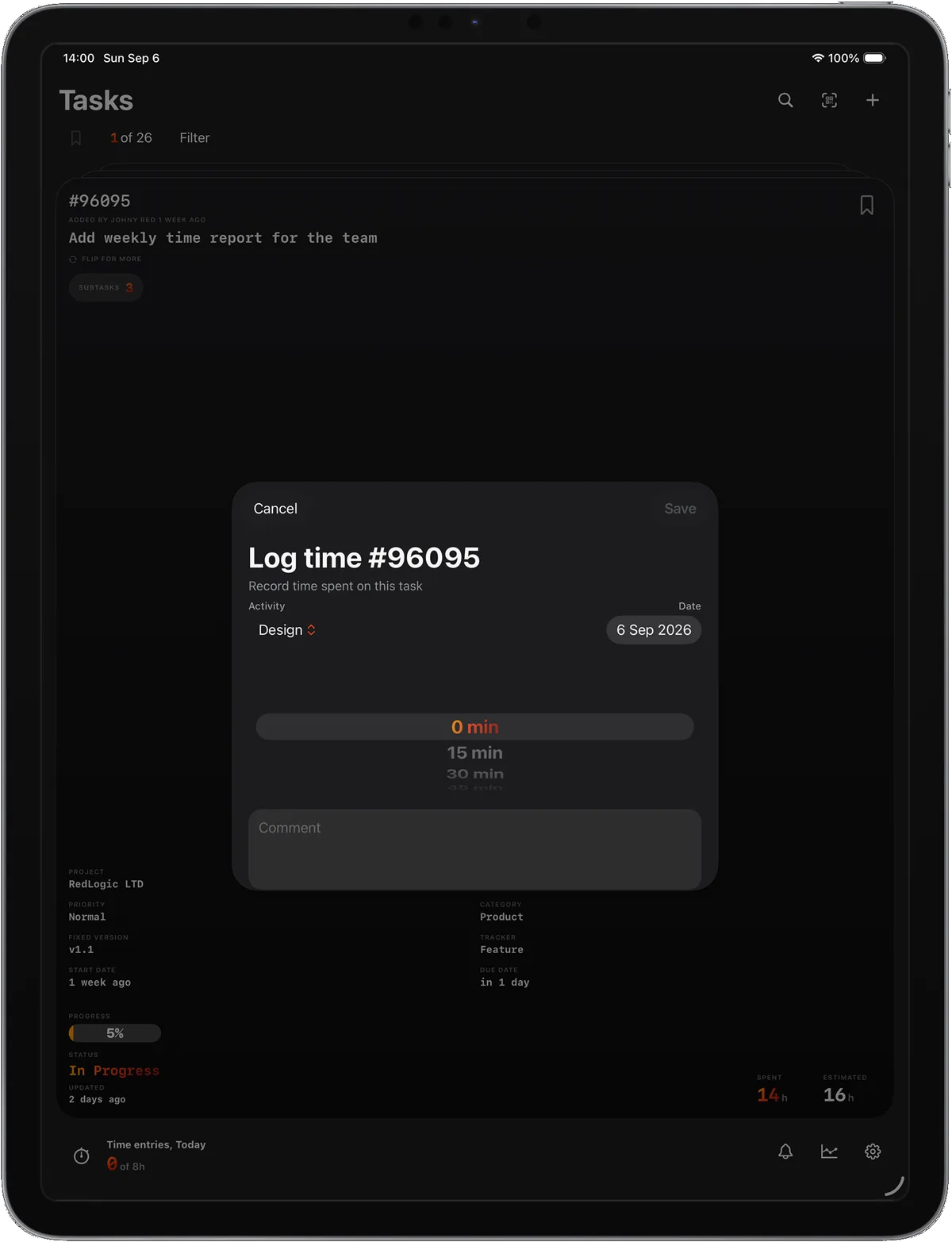
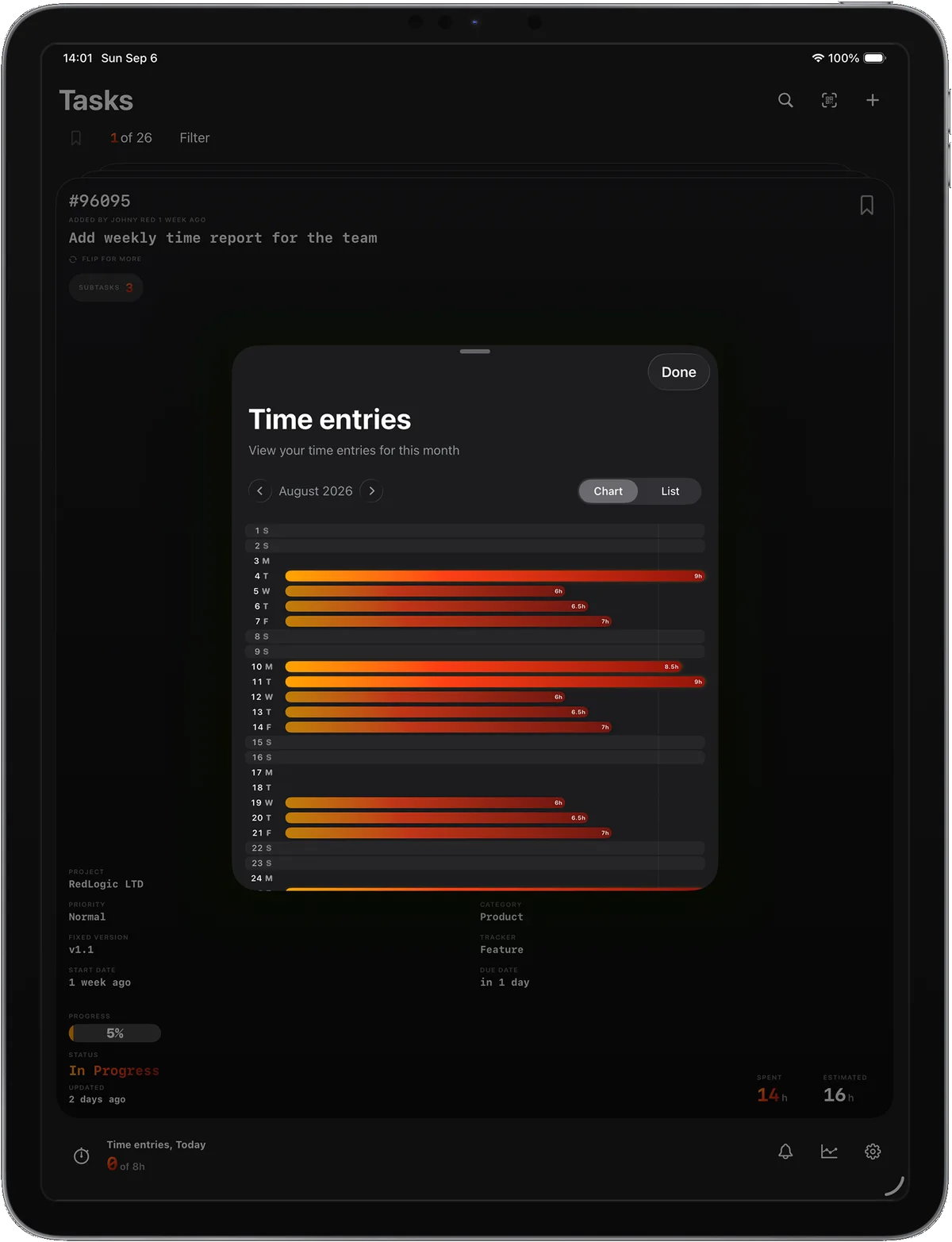
Log time directly from the card. The Log time sheet uses your Comment presets, and saves update the card instantly, today hours, and the widget. Time entries let you view and edit your logs (Cubes / Chart / List). Work Setup (daily hours and days off) powers the goal and heatmap logic; Analytics uses the same time data.
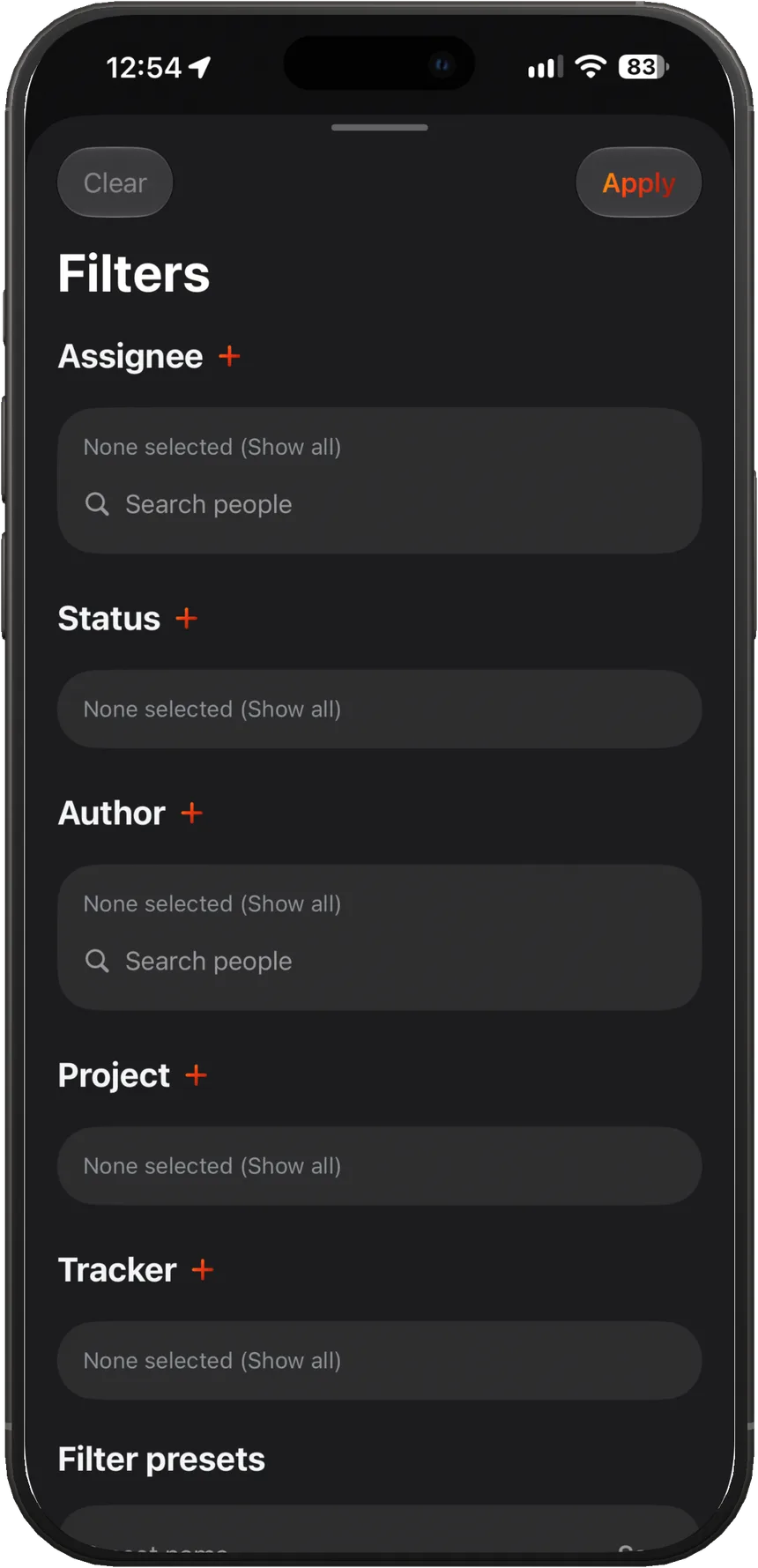
Use Filters to slice your queue by assignee, status, author, project, and tracker. Save and manage Filter presets (Set/Delete), then Apply/Clear to switch instantly. Options come from your Redmine, and Bookmarks let you show only what you saved.
A day planner around logged time and what's still open — so the calendar and the timesheet stop arguing.
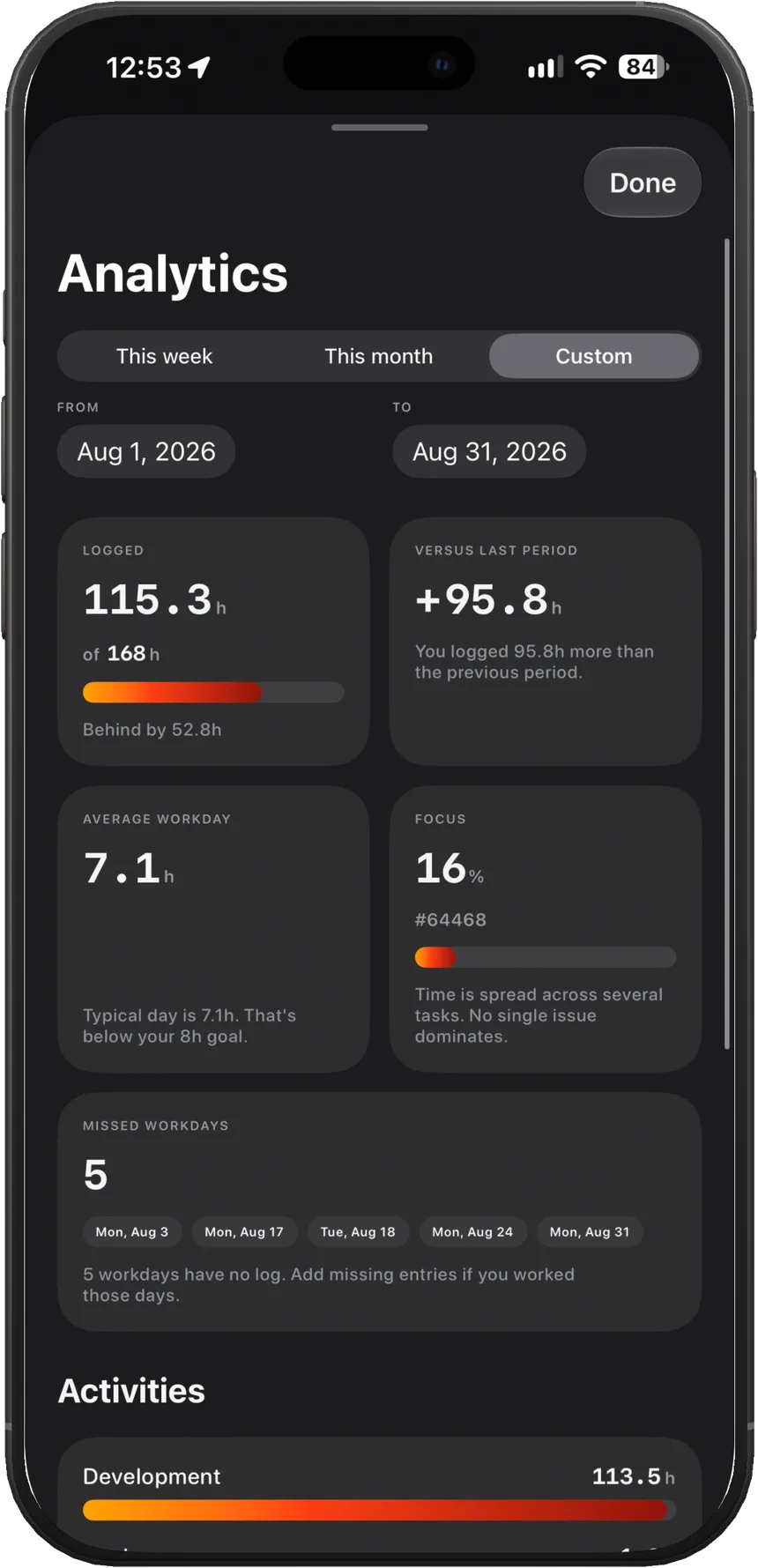
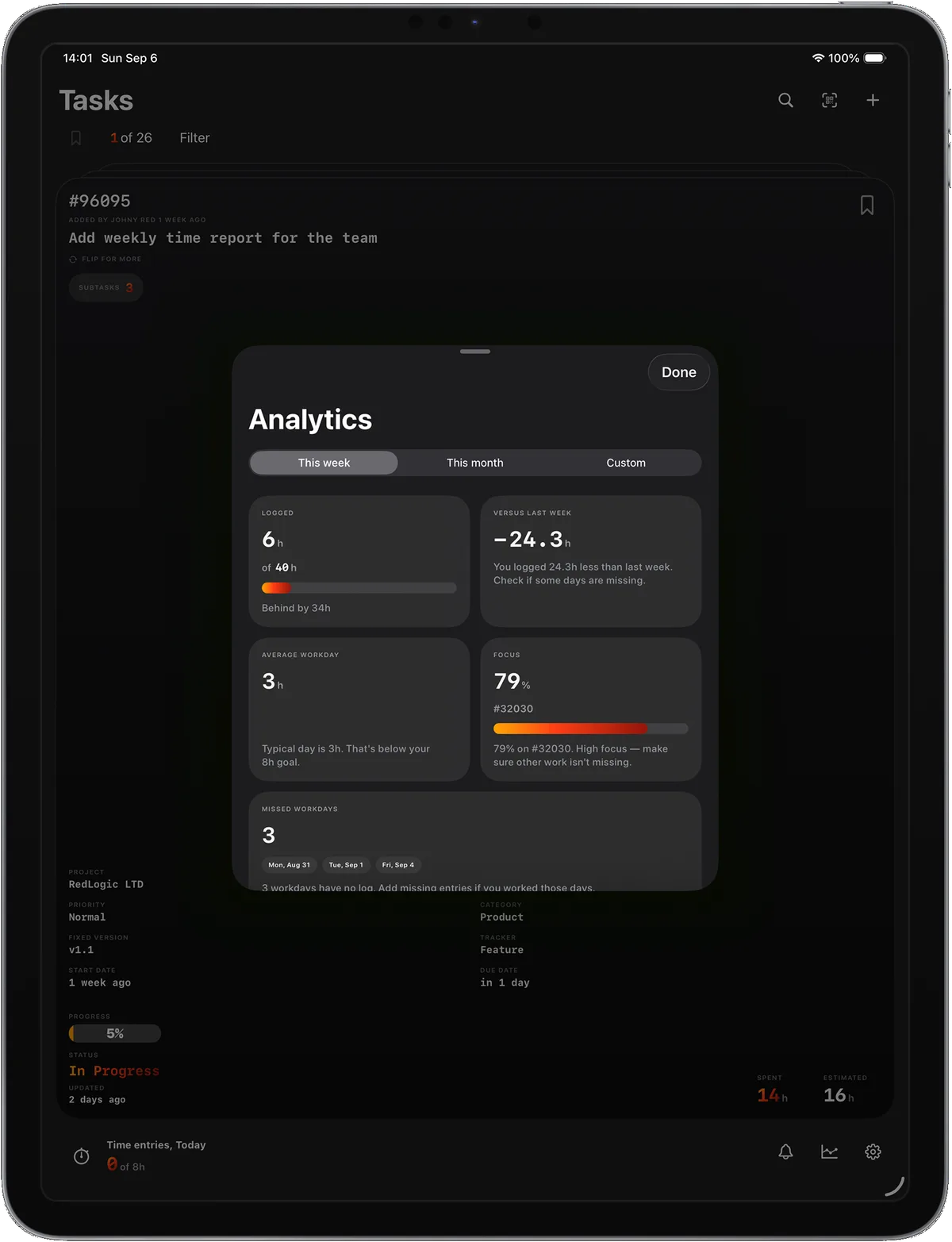
Hours against a daily goal, a heatmap of focus days, and totals by project and issue. Built for people who already log time, not for vanity dashboards.
Today and this month, without opening the app. The widget reads totals already on the device.
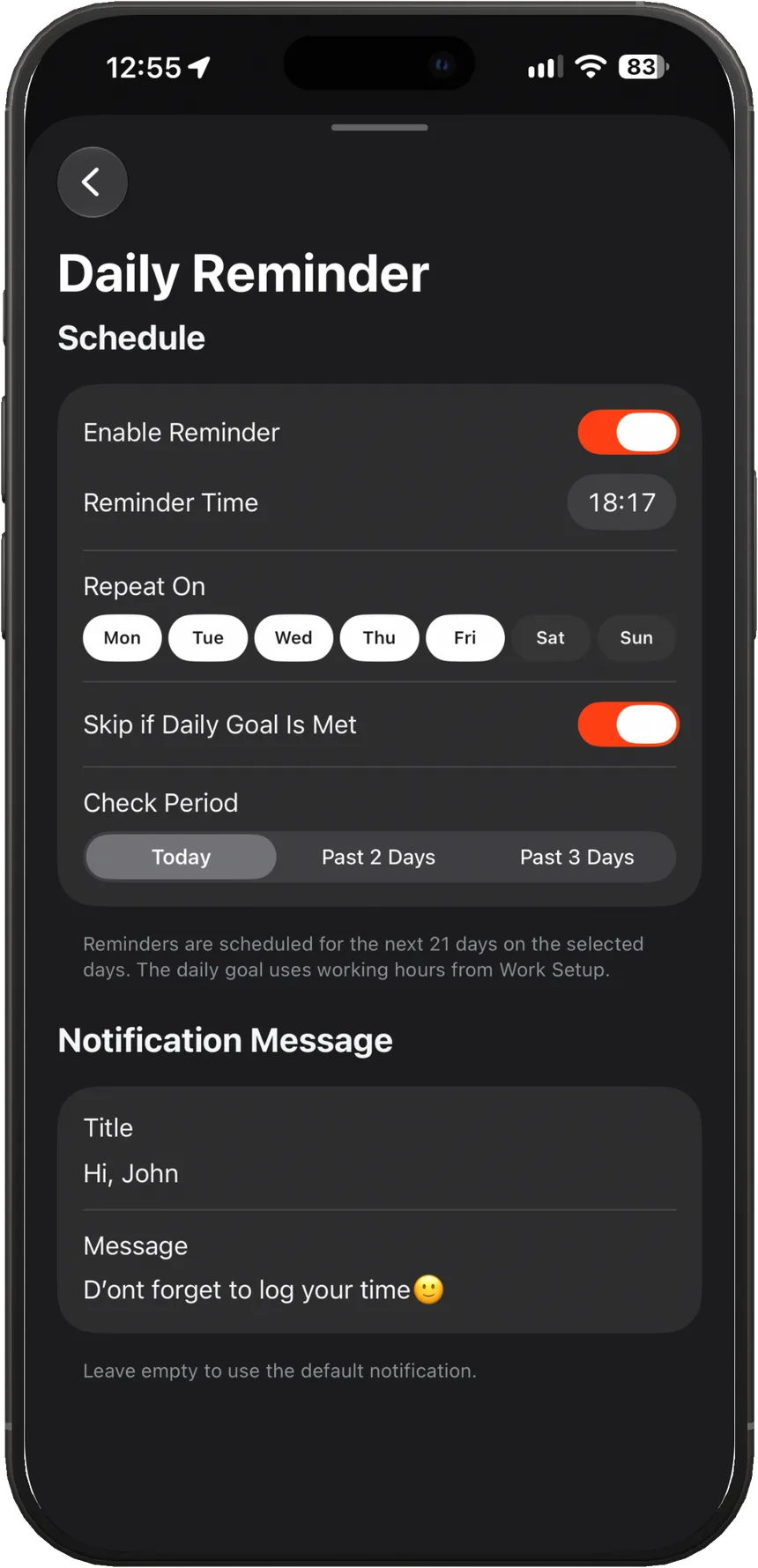
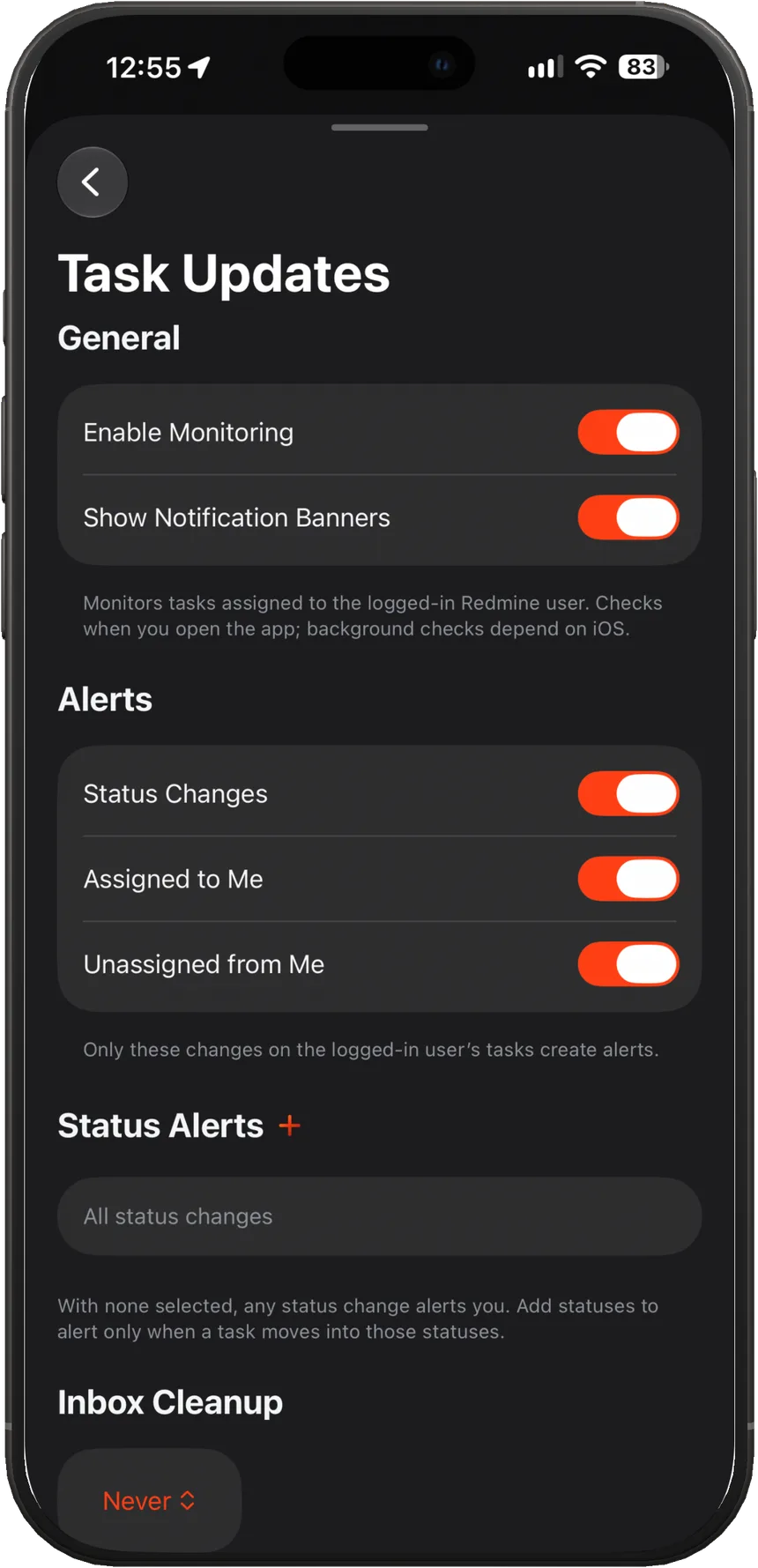
Daily Reminder helps you keep pace using your Work Setup goal (with skip when the goal is met). Task Updates monitoring notifies you about changes in the issues you watch. Inbox shows an unread badge and a list of updates; tap an item to open the task in the feed.
Create and edit issues from the Tasks header or from the card’s back menu. Project + tracker determine which standard fields and custom fields are available (pulled from your Redmine). Attach files, then submit (and delete) with Pro — after creating, you immediately land on the new card.
Data
Redmined talks to the server you configure. We don't see your issues, we don't run ads, and we don't sell data. Apple handles subscriptions; we only learn whether Pro is active.
Read the privacy policy